How I focused on more meaningful work
Hired to redesign the flagship product, I then convinced the company NOT to redesign it for 7 years, and instead, focus on more impactful releases to our clients.
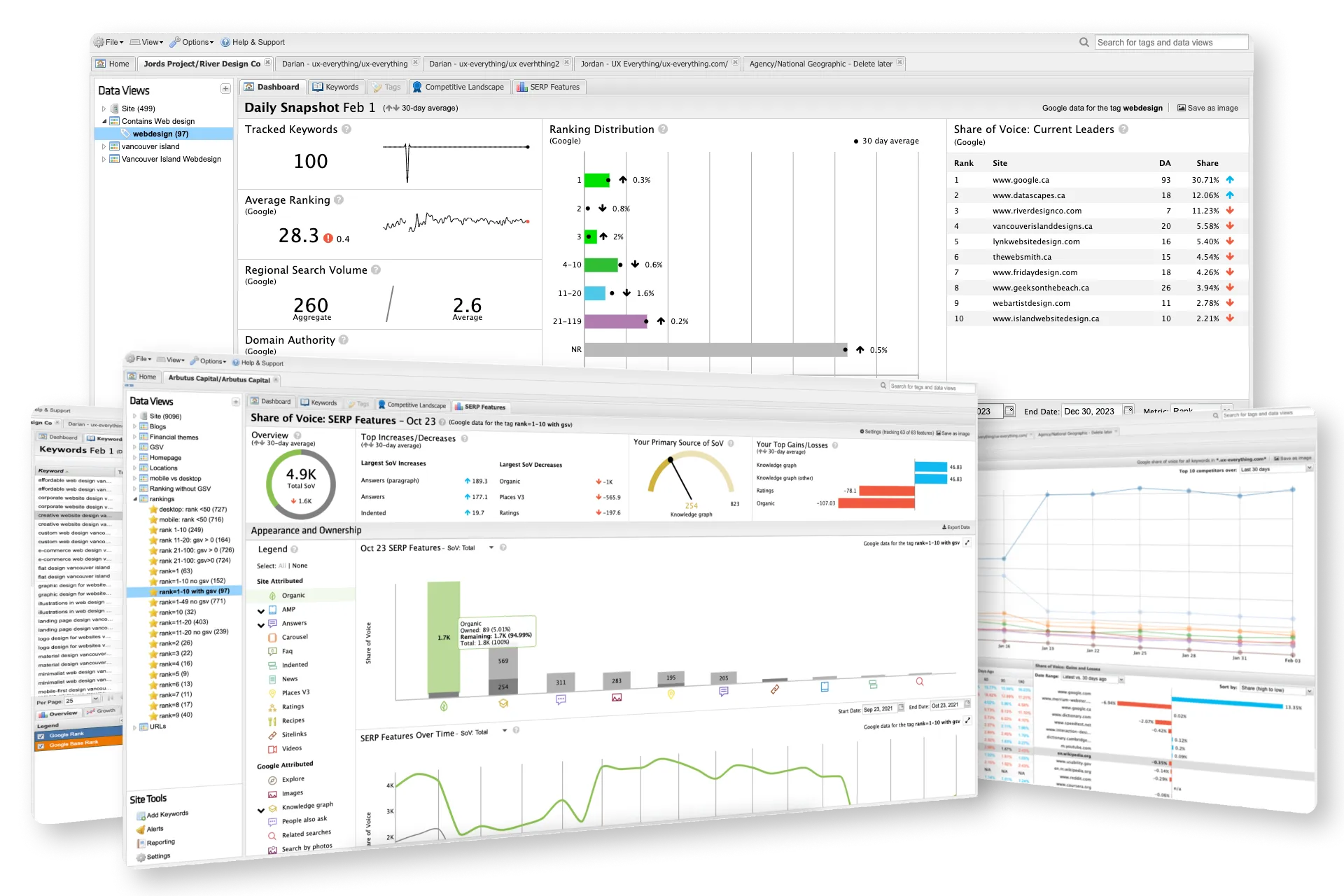
STAT Search Analytics
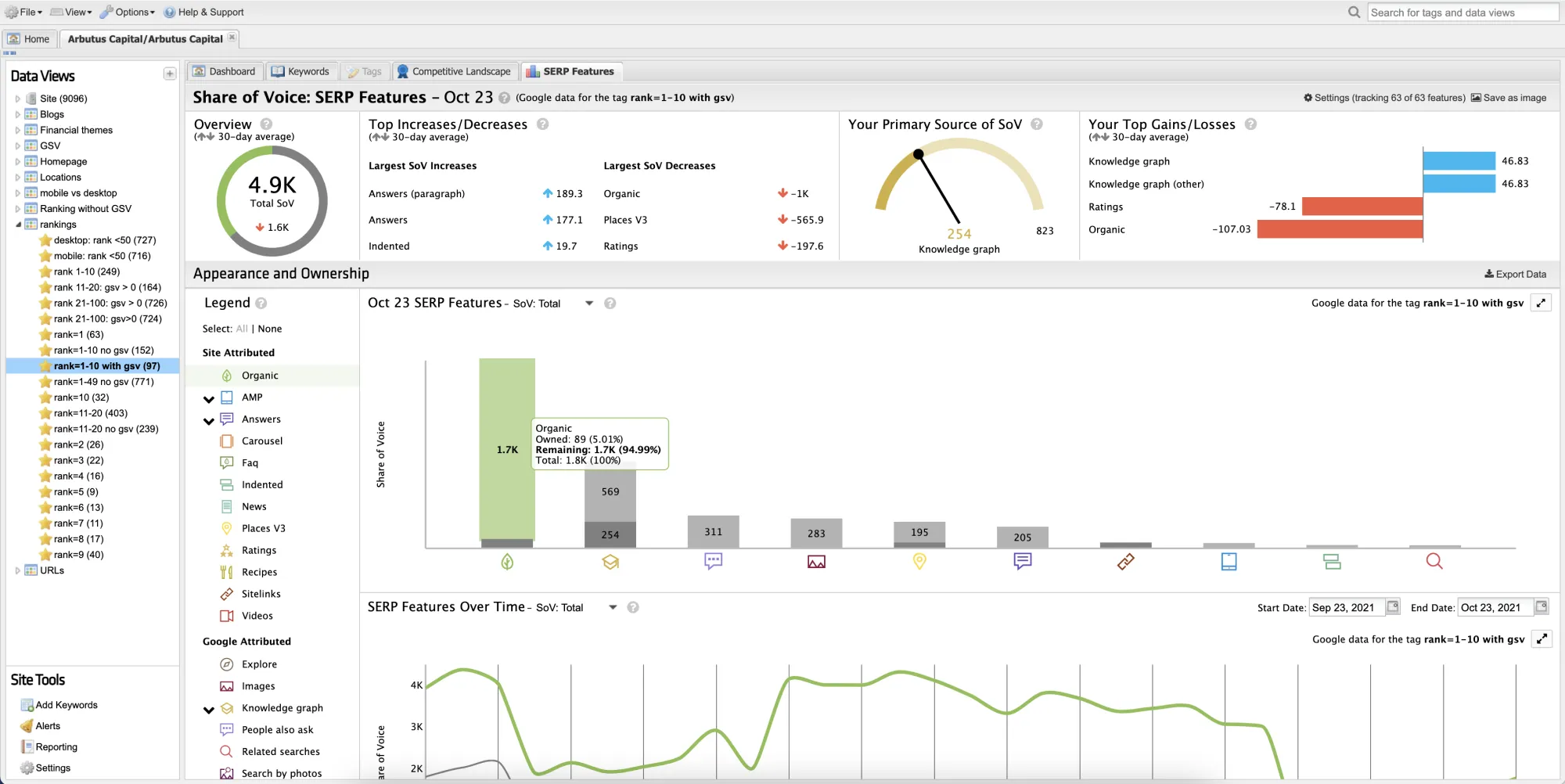
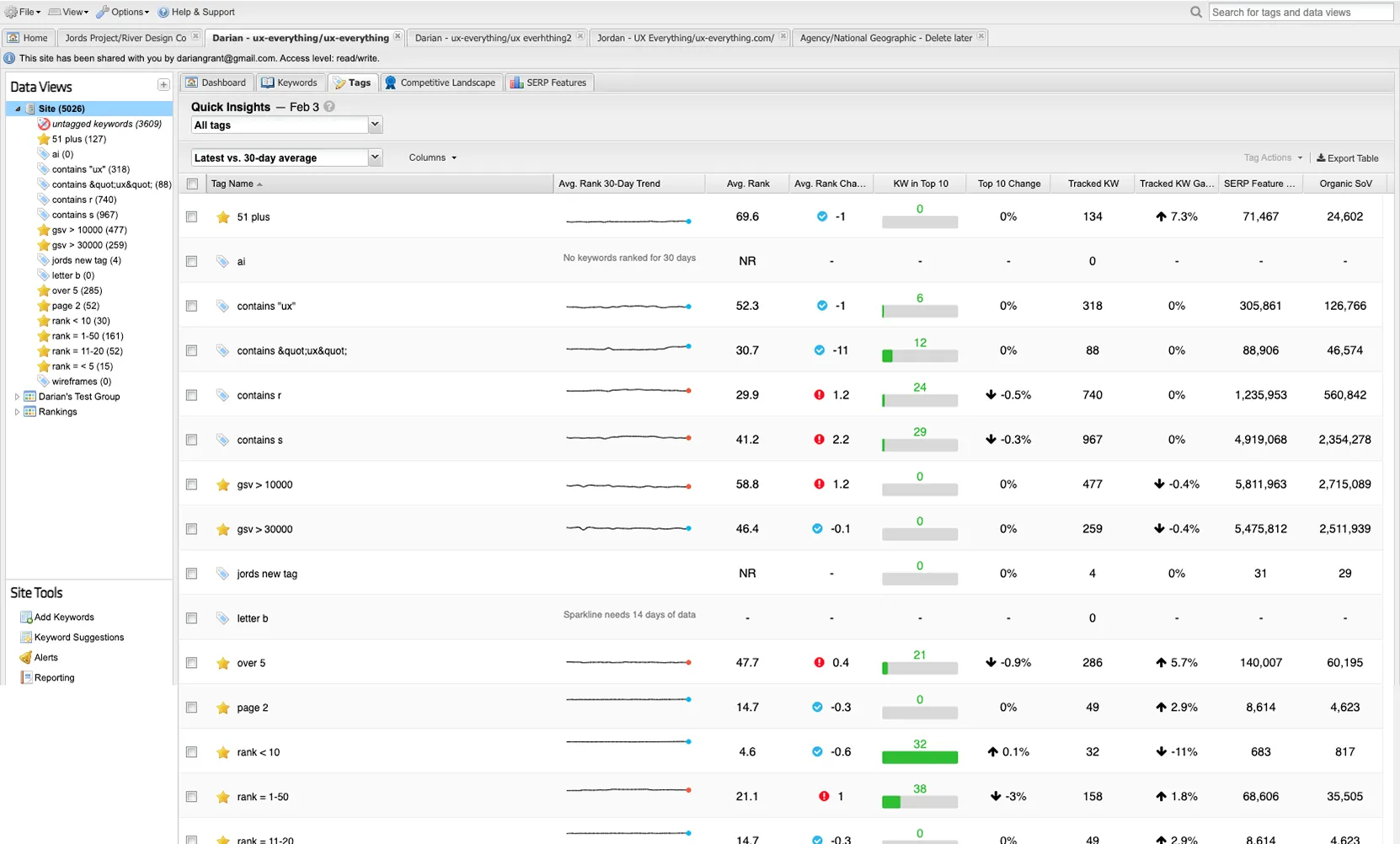
STAT is Moz’s enterprise-level SEO analytics platform (B2B SaaS). It provides high-volume keyword tracking, trend monitoring, and competitive insights for professional SEO practitioners and data-driven marketing teams at mid-to-large organizations.
It’s a powerful tool, but looked like it was designed for Windows 95 and it hadn’t been updated in over a decade.
I was hired to redesign it.
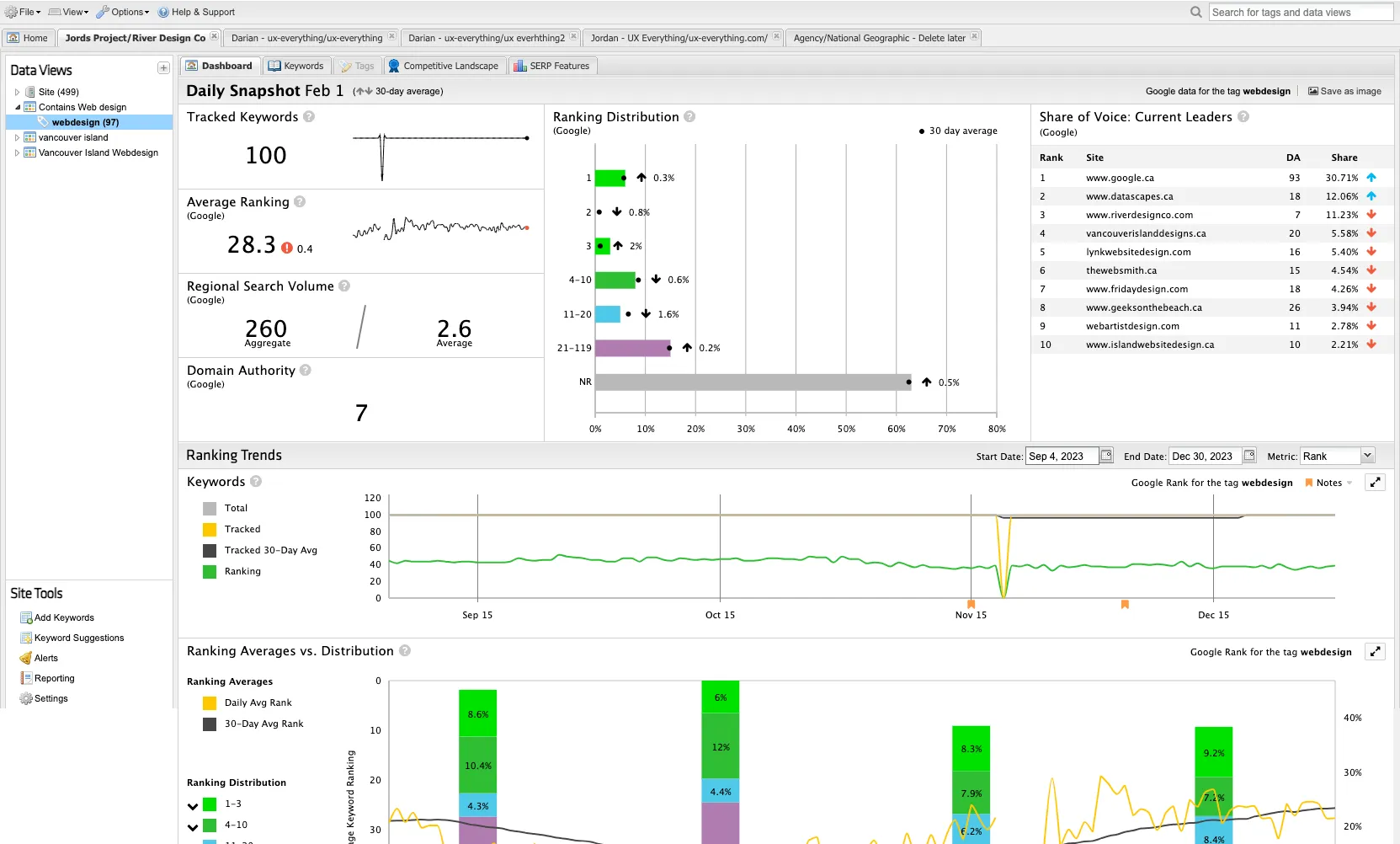
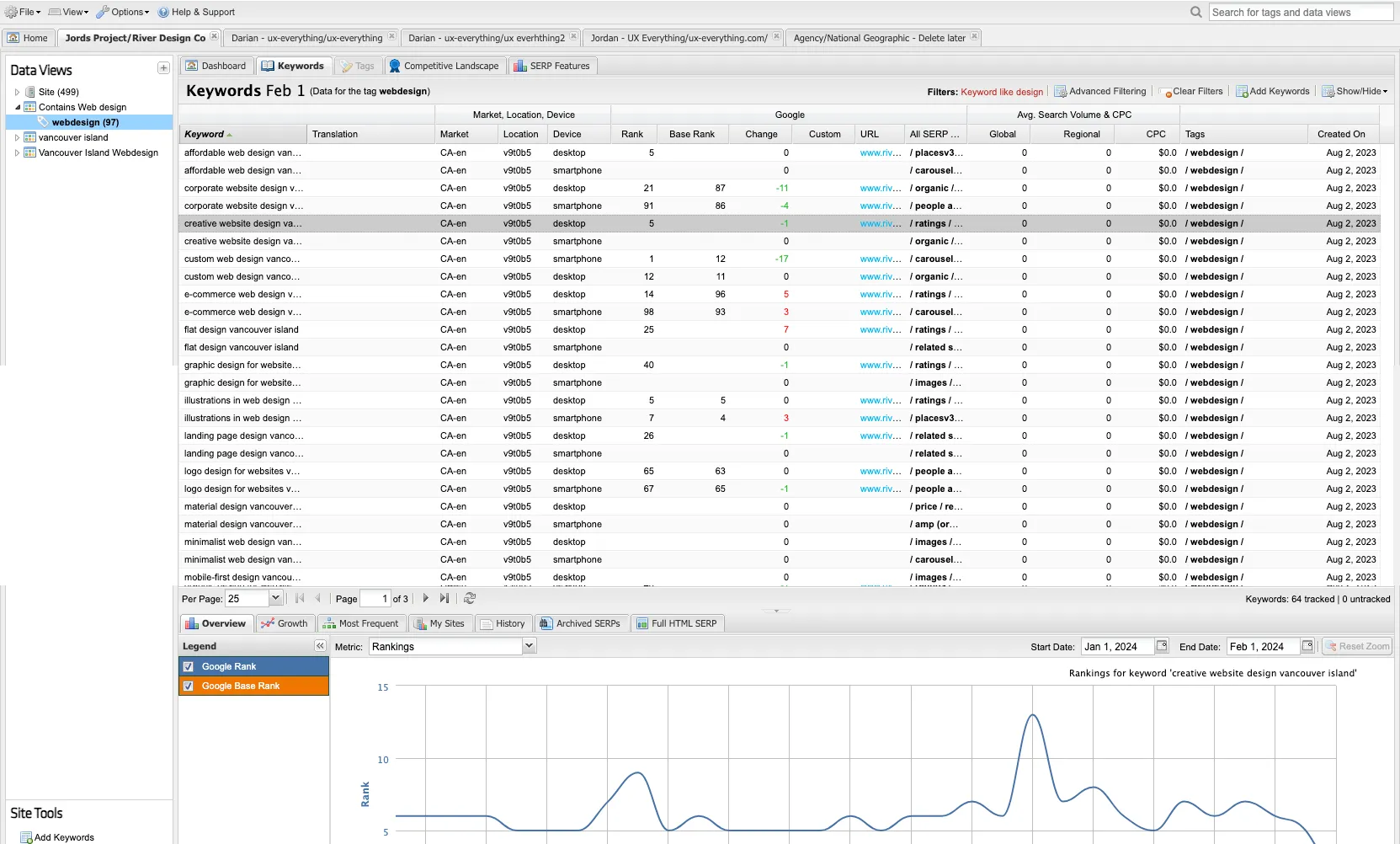
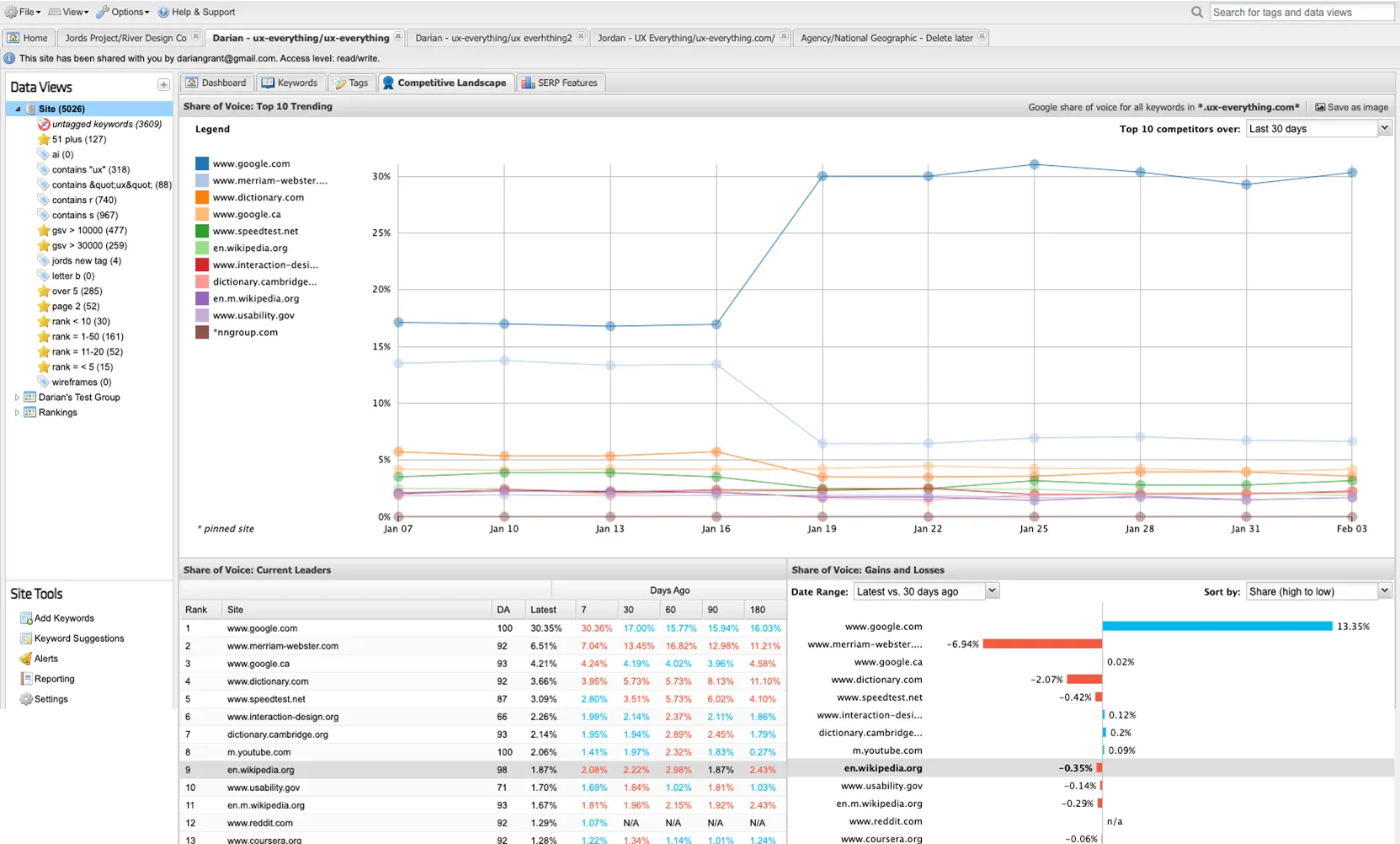
Problems
The CEO was prepared to sync a fortune into redesigning their main product because they believed they were losing clients due to how outdated it felt. The problem was that this decision was being made on anecdotal evidence and hearsay, nothing concrete.
Goals
Tell the CEO one of these:
YES - We need to redesign STAT.
We are losing clients, and this is how fixing the UI/UX will affect revenue.
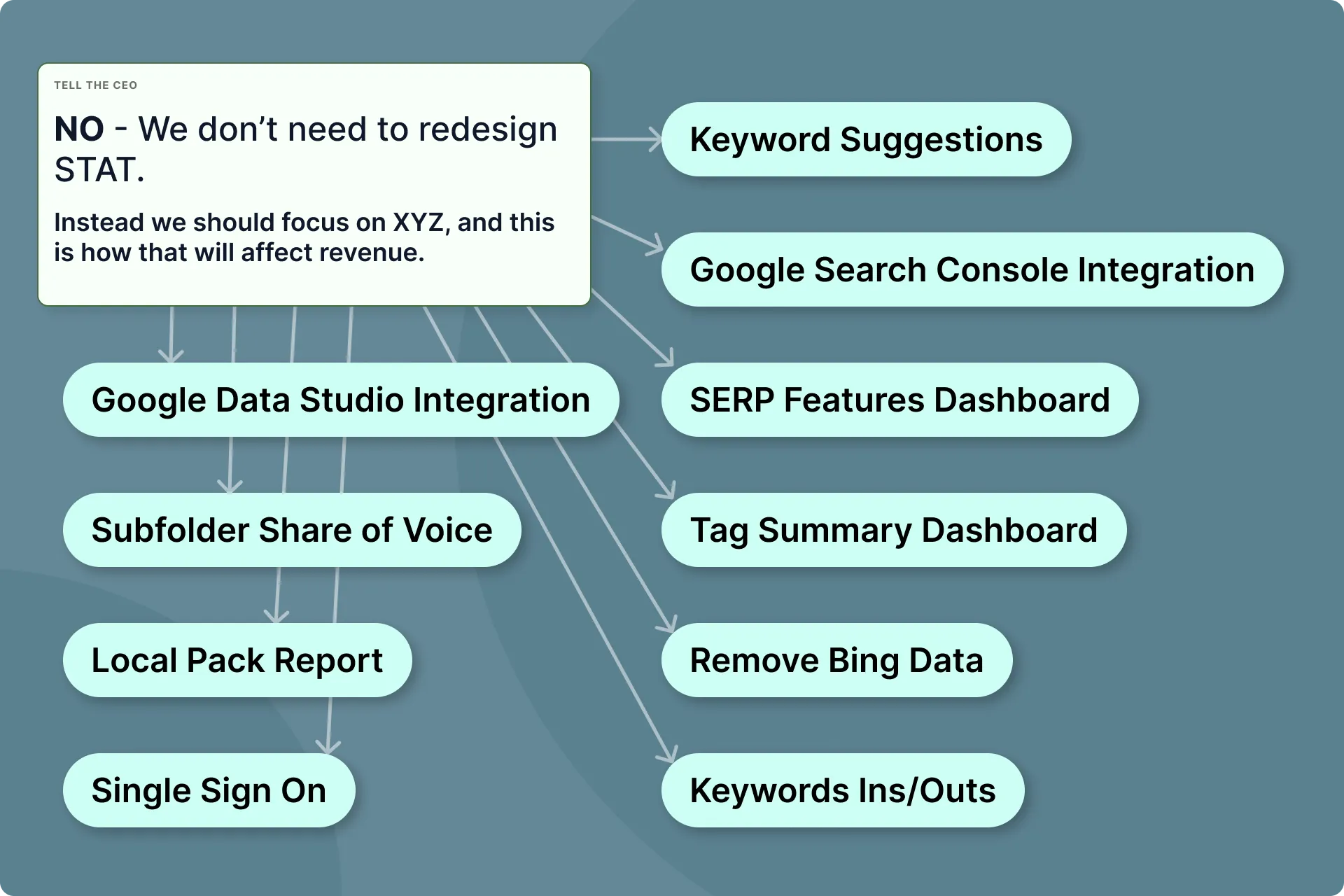
NO - We don’t need to redesign STAT.
Instead we should focus on XYZ, and this is how that will affect revenue.
Discovery Session
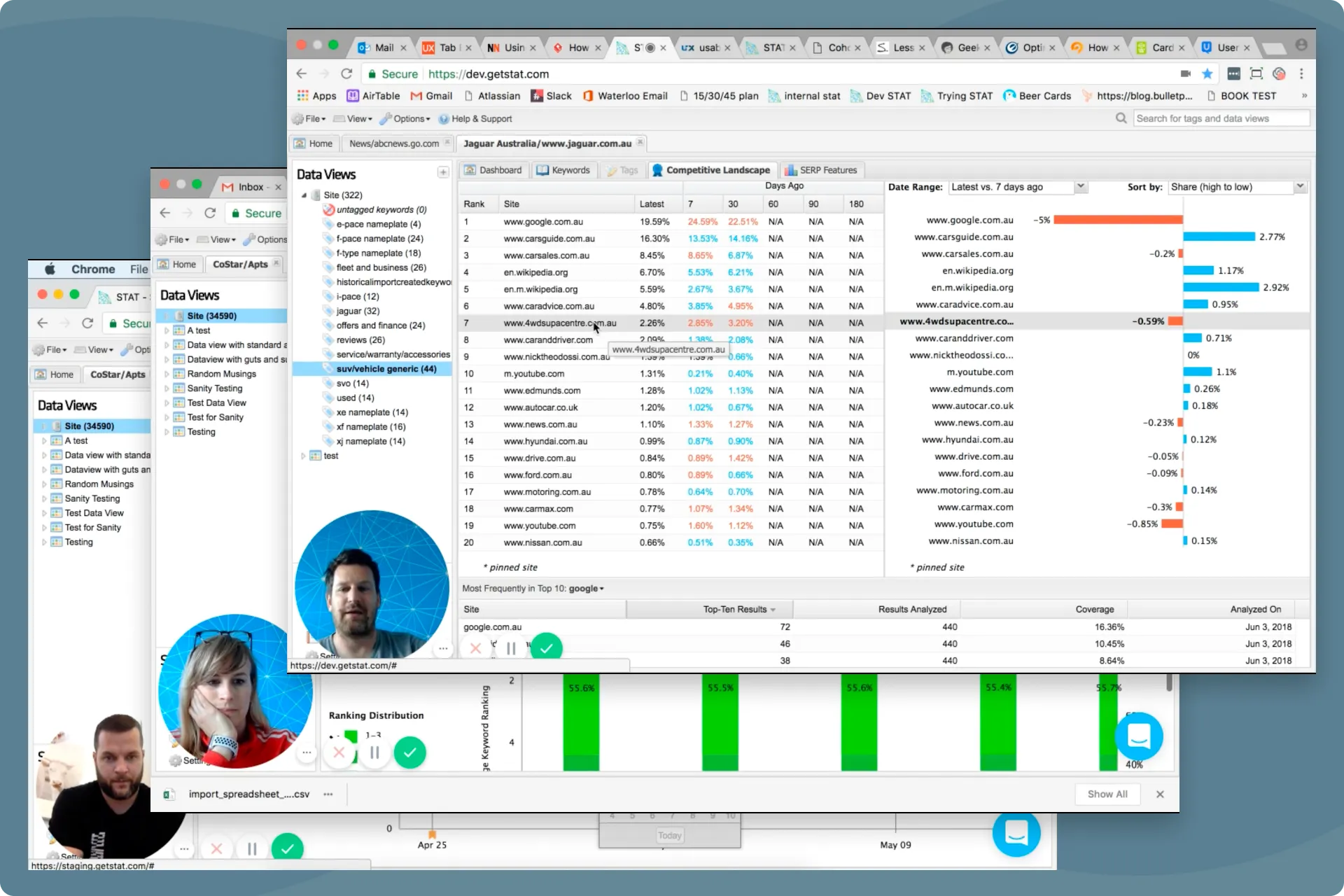
I conducted Discovery Sessions with all department heads and anyone else who heard the outdated UI was costing STAT clients. I wanted to know what they thought needed to be fixed in STAT, and why.
I also needed to know what users were saying exactly, who was saying it, and where I can see that evidence for myself.
What I learned:
Turns out a lot of the feedback was from the same few clients, many of whom already churned.
Client feedback was also mixed with a lot of specific feature requests that CS and Sales felt were more pressing to address than the UI.
URQBS (erk-you-biss)
Since no one had any concrete data to justify dropping everything for a full redesign, we needed some.
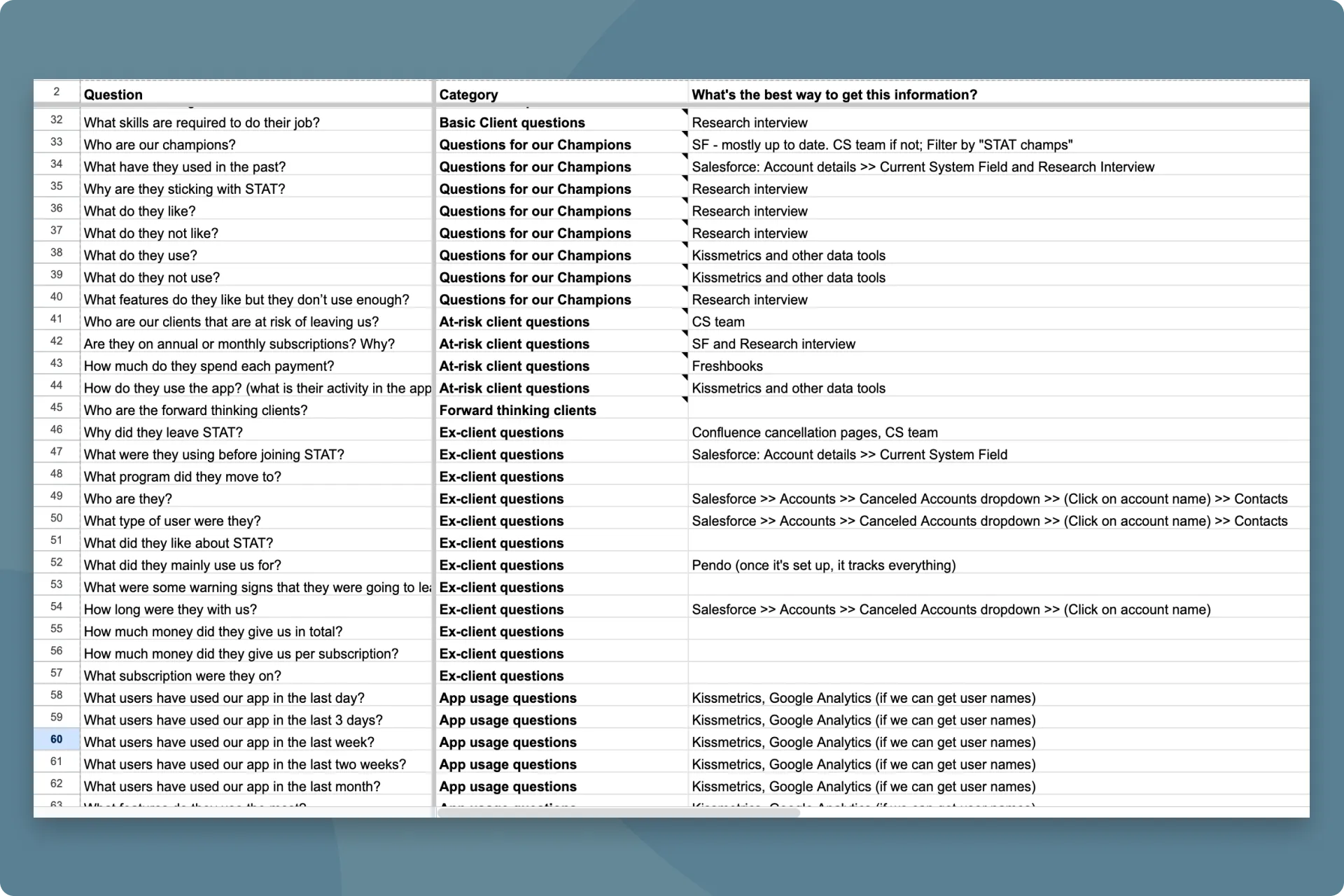
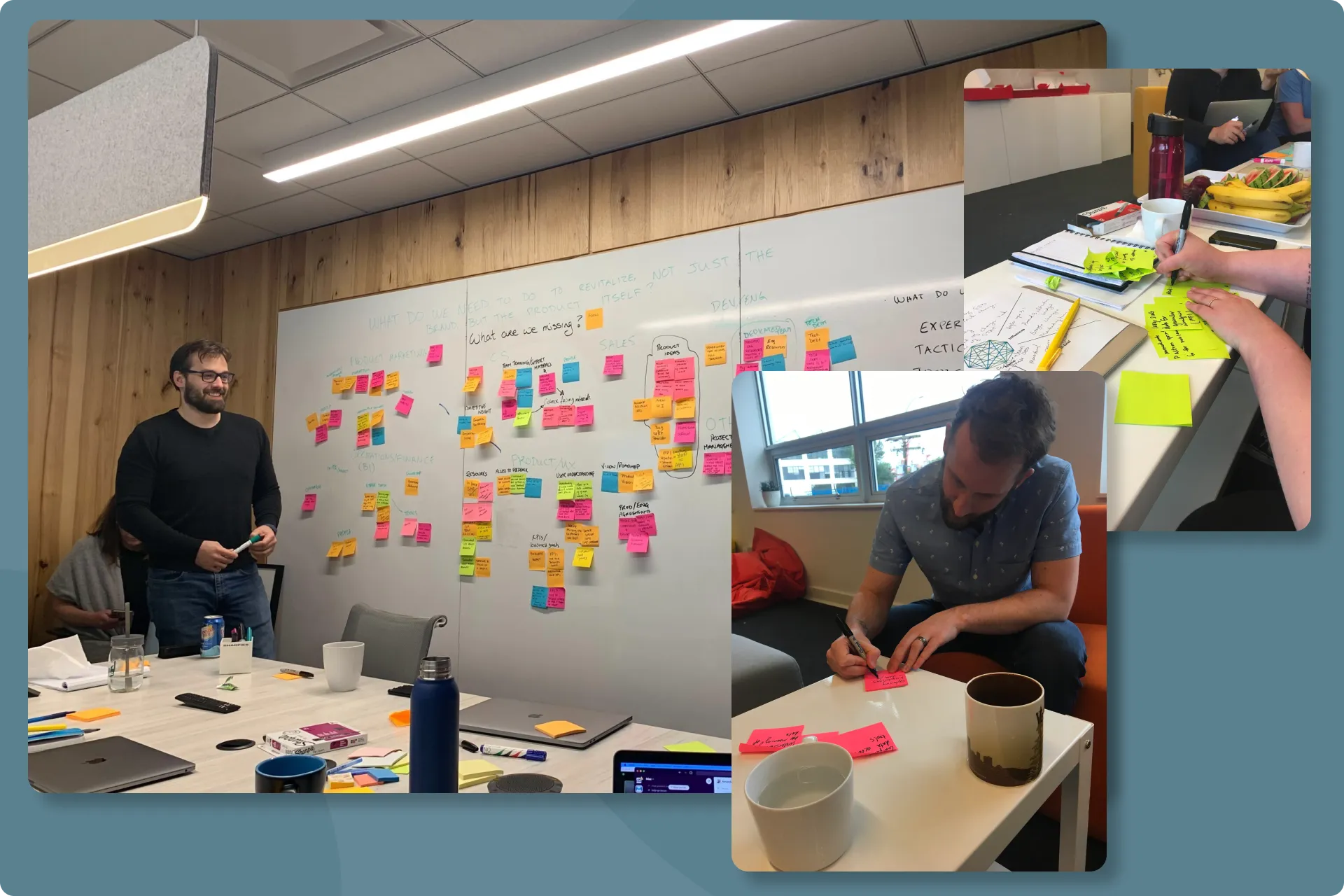
I gathered everyone again and conducted a User Research Question Brainstorming Session (popularly known as an URQBS).
We brainstormed every question we needed answered to make this decision confidently, and how we could get those answers efficiently.
What I learned:
A lot of the answers could be found in various systems, but it was clear we were going to have to speak directly with our users.
PMF Survey
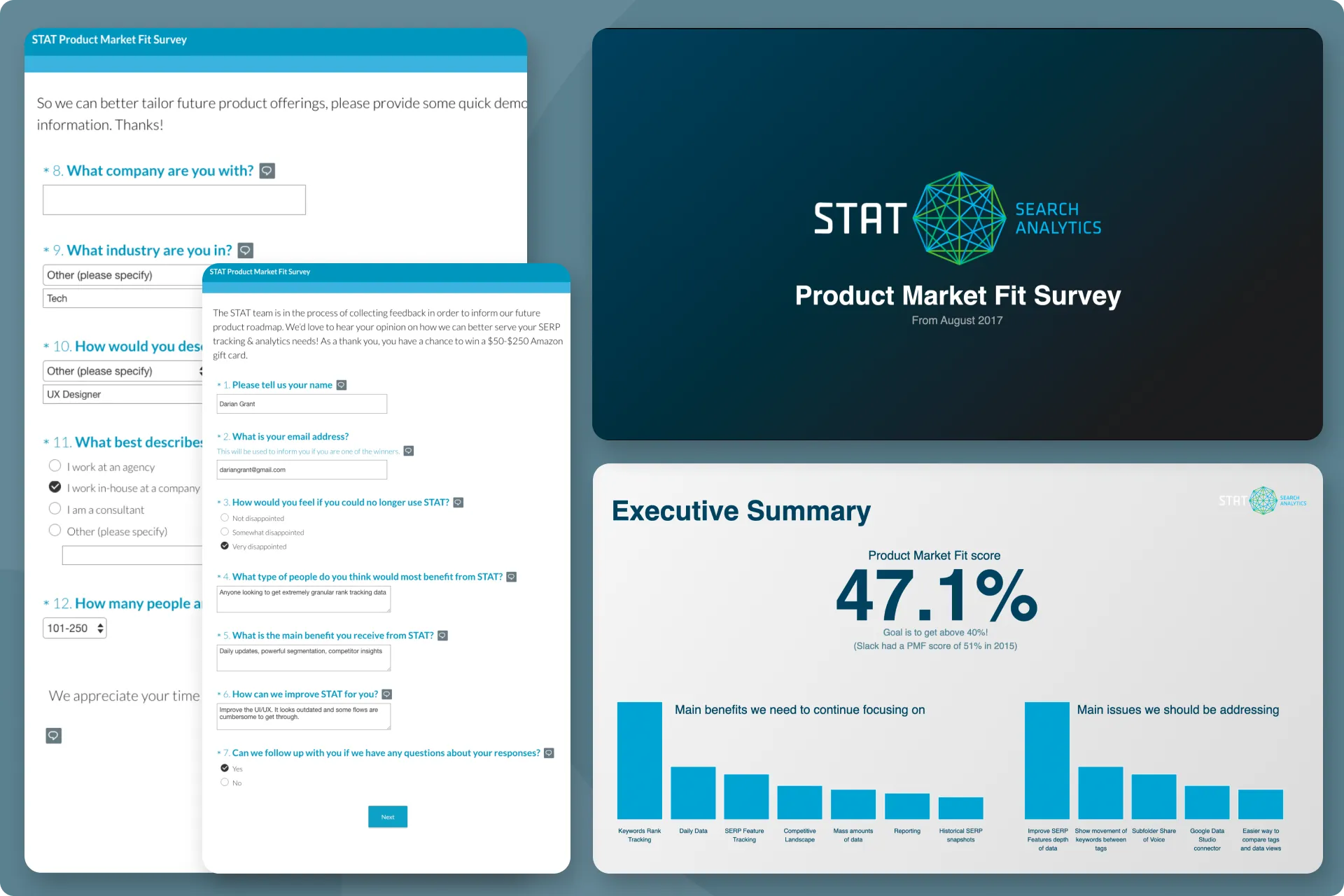
In order to efficiently get as much relevant feedback as possible, I conducted a Product Market Fit (PMF) survey. Using the new Superhuman framework, I sent the PMF survey to all of our clients.
What I learned:
Turns out there was a list of other things our clients wanted before an updated UI/UX.
Click here if you want to see what our clients were asking for
- Improve SERP Features depth of data
- Show movement of keywords between tags
- Subfolder Share of Voice
- Google Data Studio integration
- Easier way to compare tags and data views
- Keyword Suggestions for STAT
- Better alerting functionality
- Crawl Yext
- STAT Custom Ranking Change Column
- Improve the UI/UX (was pretty low here!)
- Google Search Console integration
- Single Sign On
- STAT Title Tag Tracking report
- Local Pack report
- SEO Resident
- STAT Keybase
Research Interviews
Leadership could not believe that UI/UX was so low on the list and wanted me to talk with more clients, especially those that were frustrated with our current design.
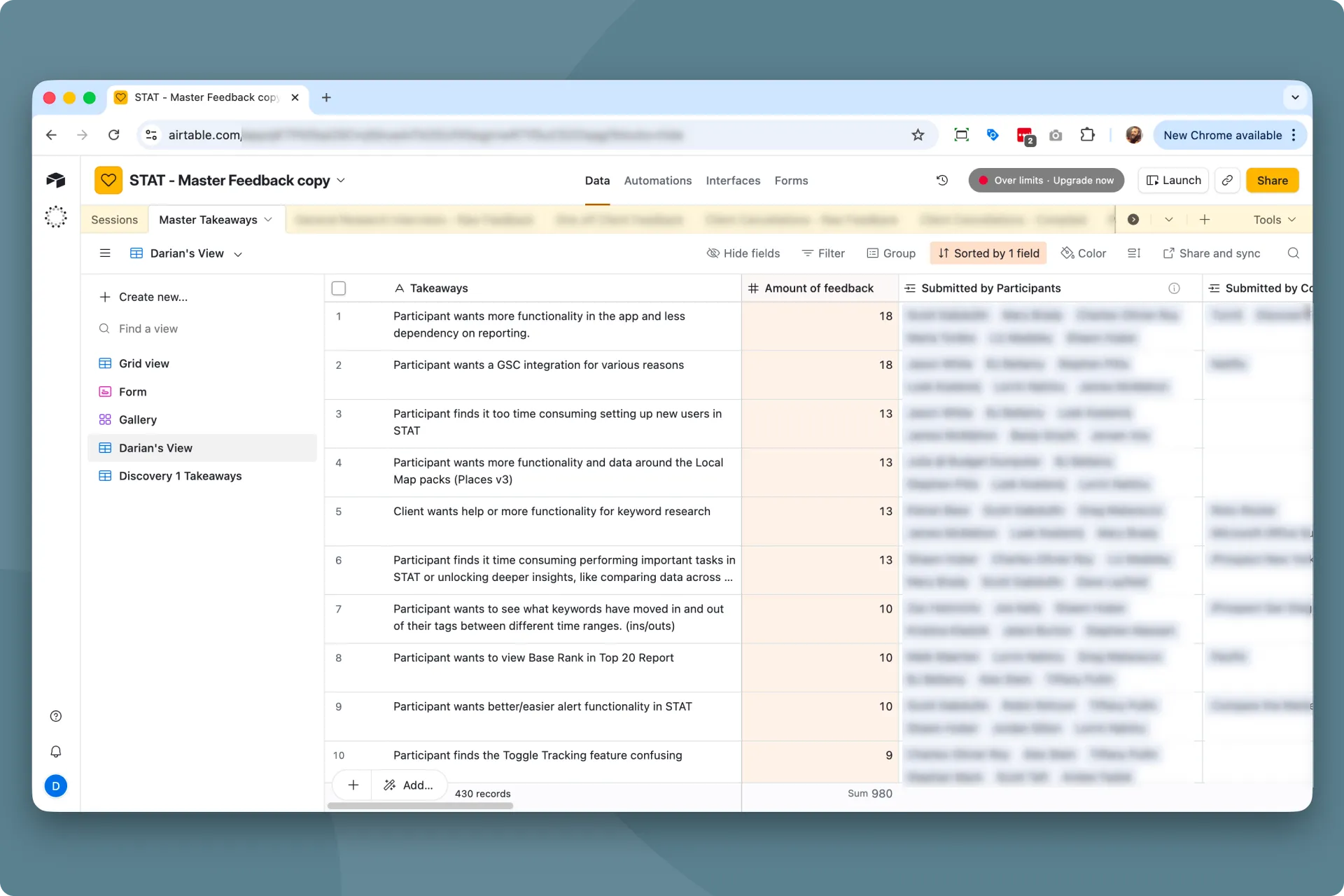
Over the course of 2 months, I conducted research interviews with over 40 clients (while also working on immediate projects).
What I learned:
Improving the UI/UX wasn’t even in the top 10 from this research study. It seemed our clients were familiar with our product and could use it just fine. What they really wanted were more impactful features to help them with their SEO tasks.
Combined the feedback. Brainstormed solutions.
I combined all feature requests and frustrations from the PMF survey and the interviews, and “Improving the UI/UX” moved further down in importance.
I got together with the stakeholders and we brainstormed solutions to the top frustrations (some of which were already in play), and came up with a list of improvements.
Calculated ROI
Working with Product and Dev, we went through our impact/effort process on the list of improvements. This gave us a rough estimate of how much it would cost to build each feature.
Working with BI and using the data from the PMF Survey and interviews, we were able to get a rough estimate on how each feature would improve our churn rate (I can walk through this process in person).
This allowed us to calculate a rough ROI for each feature and solidified an 18 month roadmap of more impactful changes for our clients (and business).
18 months of more impactful work
End of the day, we had a long list of feature requests directly from our users, sorted by ROI.
We actually ended up postponing the improvements to the UI/UX for 7 years, until finally, the feedback suggested it was time to fix it.
You can read all about that project here.
Click here if you want to see the final list of updates we focused on instead of improving the UI/UX
- SERP Features Dashboard
- Google Data Studio (Looker) Integration
- Keywords ins/outs project
- Tag Summary Dashboard
- SSO
- Keyword Suggestions for STAT
- Sunset Bing
- Local Pack Report
- Base Rank to Top 20 Report
- STAT Title Tag Tracking Report
- STAT Custom Ranking Change Column
- Subfolder Share of Voice
- Google Search Console Integration
- SEO Resident
- Improve UI/UX - way at the bottom now!
- STAT Keybase
- Better alerting functionality
- Crawl Yext
 An AI passion project I built with Claude
How I used Claude as my design partner and lead developer to build an app that cut my monthly 4-hour bookkeeping task down to 30 minutes.
Next Case Study
An AI passion project I built with Claude
How I used Claude as my design partner and lead developer to build an app that cut my monthly 4-hour bookkeeping task down to 30 minutes.
Next Case Study
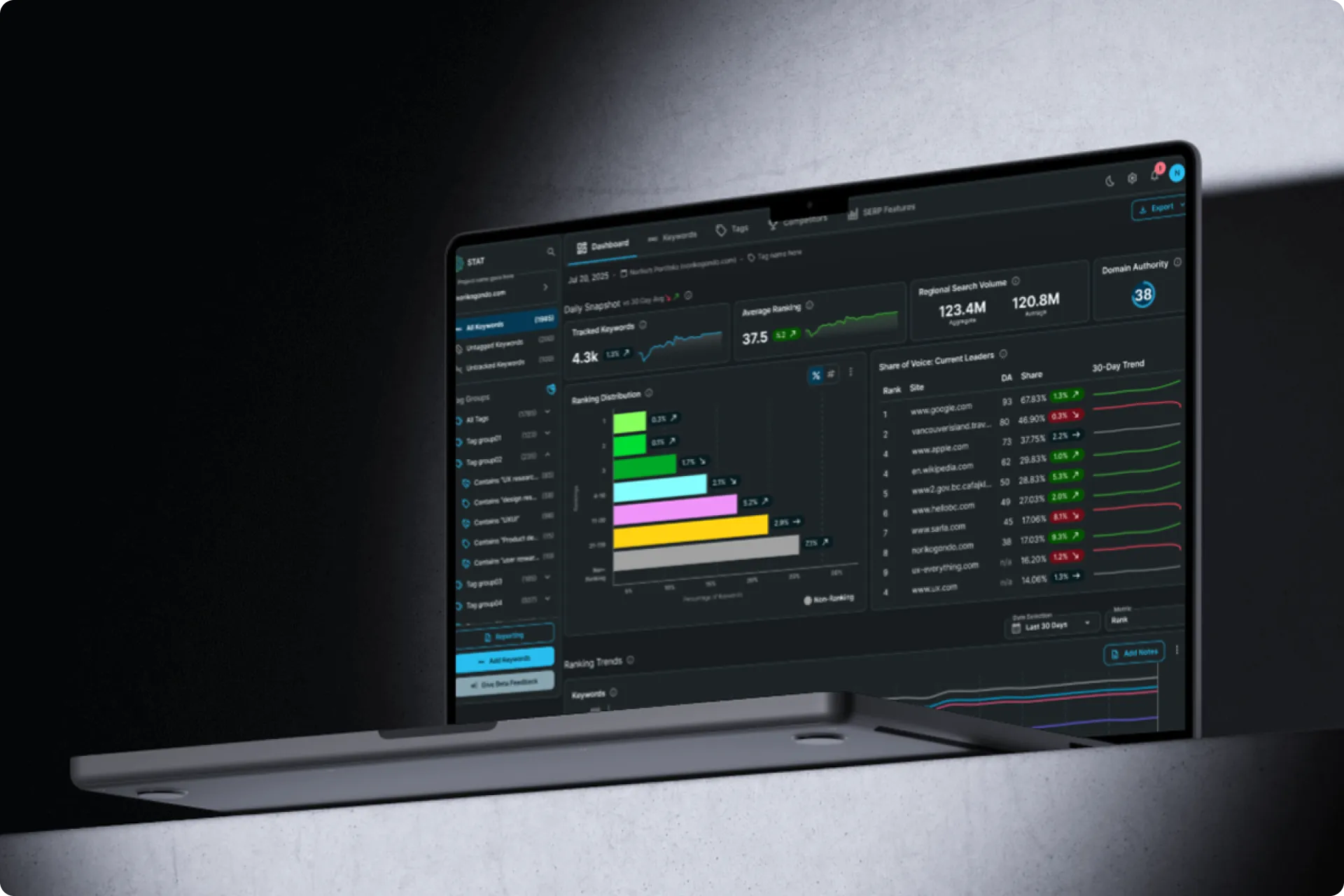 After 14 years... it was time.
How I convinced the company to finally bring our flagship product out of the stone ages to decrease cancellations, increase conversions, and increase user satisfaction.
After 14 years... it was time.
How I convinced the company to finally bring our flagship product out of the stone ages to decrease cancellations, increase conversions, and increase user satisfaction.


 Email me